
Subscribe to:
Post Comments (Atom)

Bobcat

Bobcat 2014

Bobcat
Bald Eagle


Nature quilt finished!

Chickadee!

Green Heron

Raccoon

Happiness is..
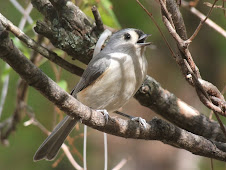
Titmouse

Painted Lady

Duck family

Great Blue Heron

Great Blue Herons

House Sparrow

Snow Geese!

Verdin

Red-shouldered Hawk

Vermilion Flycatcher

Whooping Cranes!

Cedar Waxwing
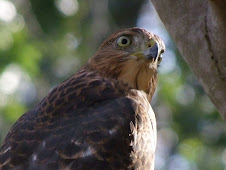
Cooper's Hawk
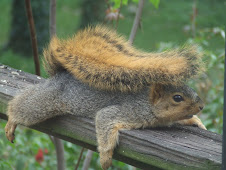
Squirrel Sunday's "Star"
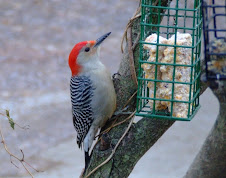
Red-Bellied Woodpecker
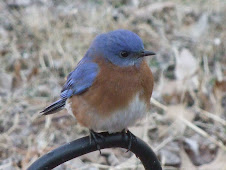
Eastern Bluebird male
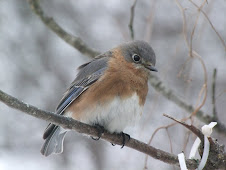
Eastern Bluebird female
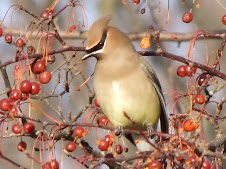
Cedar Waxwing
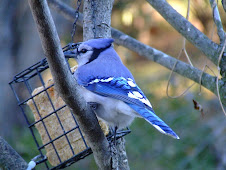
Bluejay
Reflection
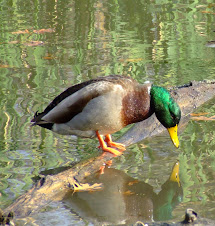
Mallard
My Blog List
-
-
Big Sky Country1 week ago
-
-
-
-
-
-
-
-
-
-
Moxie Falls at Peak Autumn Color…6 years ago
-
-
-
-
-
-
-


%2B(2).jpg)


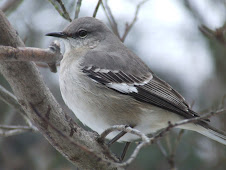
Mockingbird
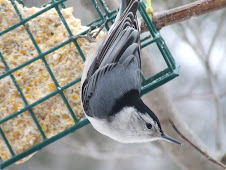
White-Breasted Nuthatch
Favorites
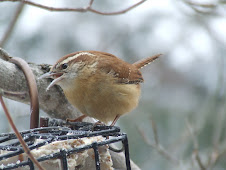
Carolina Wren
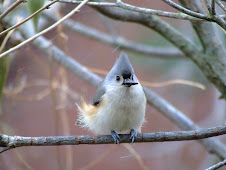
Titmouse
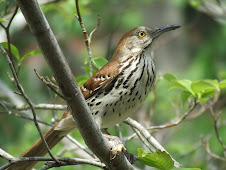
Brown Thrasher 2007
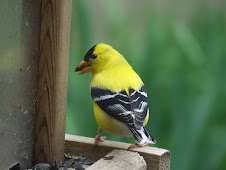
Goldfinch male summer
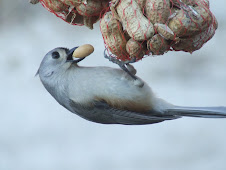
Titmouse
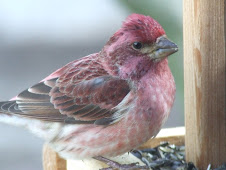
Purple Finch male
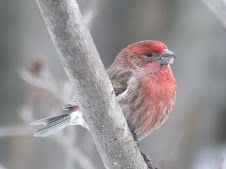
House Finch male
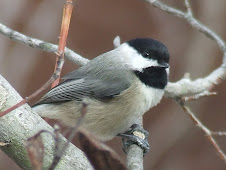
Chickadee
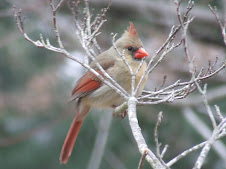
Cardinal female
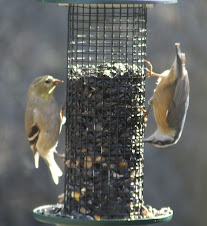
goldfinch up, nuthatch down
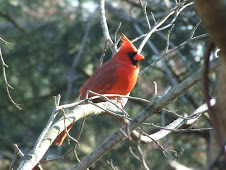
Cardinal male
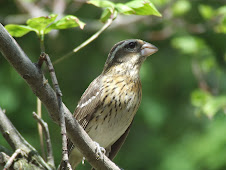
Rose-Breasted Grosbeak f
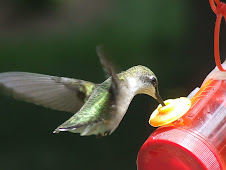
Hummingbird
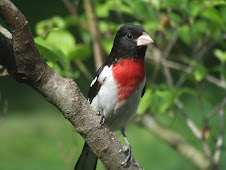
Rose-Breasted Grosbeak m
About Me

- Mary
- Christian, wife, mother, quilter, reader, writer, photographer. My blog title originated when all my blogs were one. Faith, Fabric and Photos is my main blog.
Mike'sblog

..and things that go
12 comments:
Hi Mary, I haven't had this problem --but I usually just type my posts straight onto Blogger. The few times I have copied and pasted, it has worked (except that it sometimes loses the hard returns)...
I will say that I do not use the 'Updated Editor' (found in Basic Settings). I went back to the OLD Editor --which seems to work much better with my photos.
I hope you can figure out your problem. Have you reported this to Blogger?
Keep us posted.
Hugs,
Betsy
Hi Mary, I haven't come across that yet but have you ever tried a screen capture? If you don't have it there is a program called Snagit. My husband told me about it. You can get a free trial here, with the option to buy after the trial period is up. It comes in very useful at times when I am trying to organize my writings and my cut and paste doesn't work. Also great for my old photos as well. There are a lot of neat features in the program. I hope you can get your problem fixed but in the meantime maybe this would help.
http://www.techsmith.com/download/snagittrial.asp
I haven't had that problem yet... One time I had a similar problem, and I just restarted my computer. Going back in with a fresh start cured everything! Maybe give that a try... Hope it works!
Oh gosh Mary, I have not have that problem either although sometime the pasting does take a while to actually appear on the page. I hope you get it sorted out. Maybe you are just being too hasty?
Are you using Firefox as your browser.
if so check your cookies'
and if not I suggest you use them.
all my blogging is done with first Picasa 3 that handles all my photos
and at a click I upload to blogger,
and Firefox as my browser. all are part of Google.
Just type the names into your browser to download.
but cant help on your original Question.
I've had trouble copying and pasting for a couple months now, but I always just type right into the blog itself, and that works fine for me.
B..
Like Betsy, I just write my posts right on blogger itself. If I can't finish, I just save it and go back to it later when I have the time. You can even work posts ahead that way, if you so desire, and have them post exactly when you want.
Mary I have had this problem also. How I work around it is to click on the edit html tab and paste it that way and then switch back to the compose mode.
Mary, I have WordPerfect 9 on my computer, and I can't seem to copy anything from the Internet and paste it there! Very frustrating! I know there's a way around this but I don't know what it is!
Thanks everyone! I usually type directly to the blog in this pariticular blog, so there isn't a problem, but in my Bible Study blog and sometimes my other blog, I often use material that is already typed and stored as documents in my computer. Not being able to use them and having to retype is not an option I want to do. Will try what Kathy said to do. I can see I will have to learn a lot more about the html editor!
Thank you, Kathy! I just tried what you said and it worked perfectly and easily!
I'm glad I caught this one Mary I was having the same problem. I couldn't paste links to my posts. Now I see what to do. Good question, good answer!
Post a Comment